Fitness and training without the BS

Made by an outdoor enthusiast for outdoor enthusiasts.

Treeline reads your workouts and recovery data from Apple Health and turns them into fitness, fatigue, and readiness scores. Everything is calculated on your device. There is no account, no server, no social media, and no tracking.

Coming soon to the App Store

Requires iOS or iPadOS 18 or later and workouts saved to Apple Health.

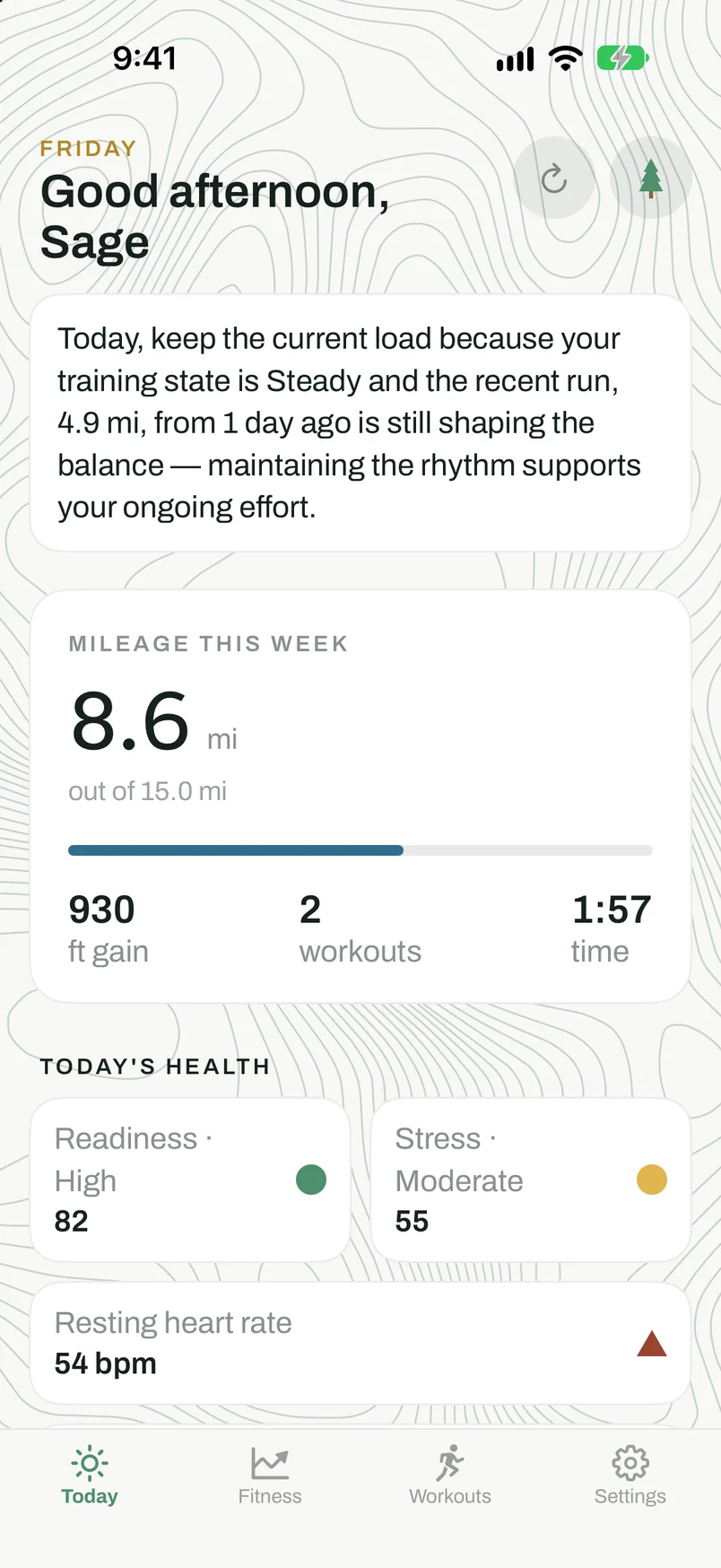
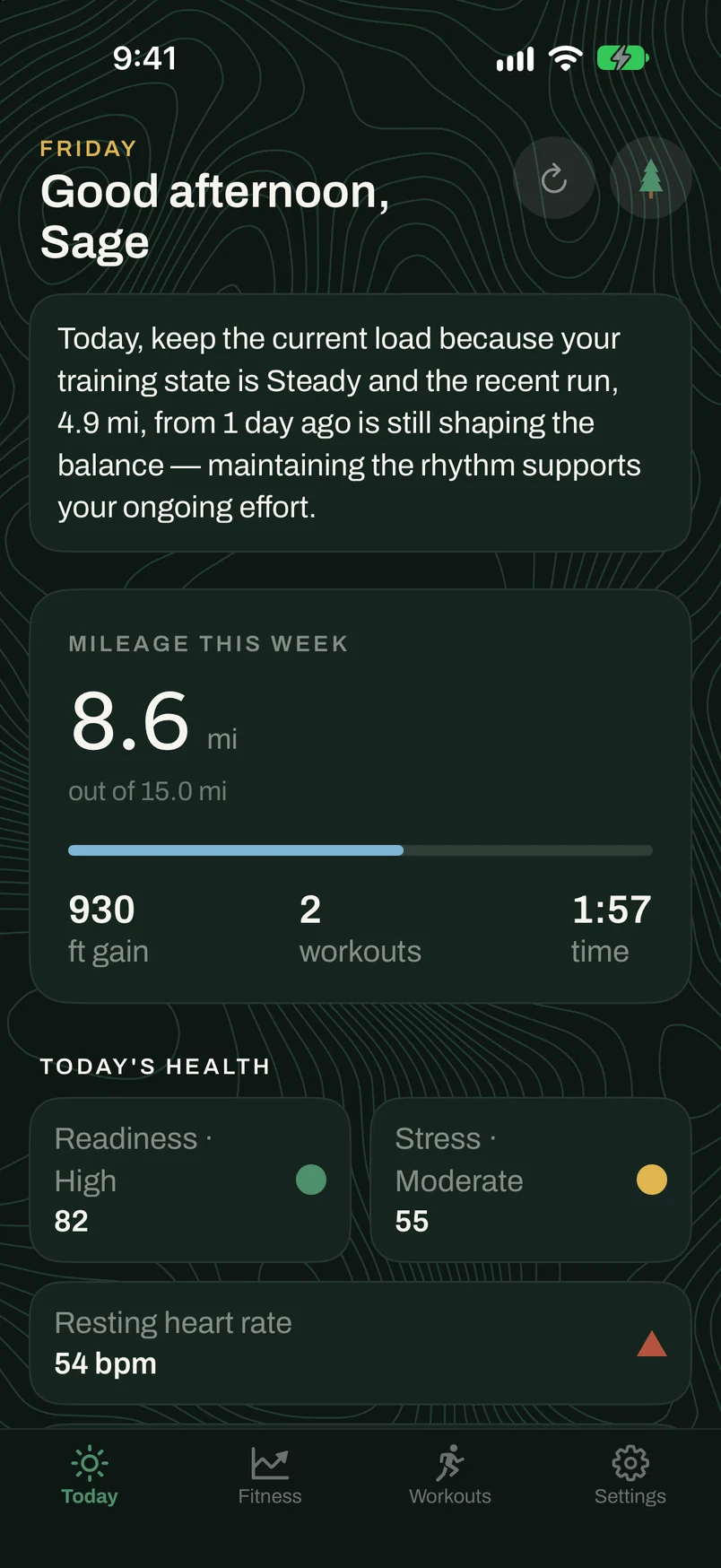
The Treeline Today screen: a daily training note, 8.6 of 15 miles for the week with a partly filled progress bar, readiness and stress scores, and resting heart rate. Generated sample data. The Treeline Today screen: a daily training note, 8.6 of 15 miles for the week with a partly filled progress bar, readiness and stress scores, and resting heart rate. Generated sample data.
What Treeline does

Everything is calculated from workouts and health data you already have.

Treeline does not record workouts. It reads them from Apple Health, wherever they came from, and analyzes them to provide metrics and insights. It works with any device that writes to Apple Health, but wearing an Apple Watch consistently, including to bed, delivers the best results.

Training load

Fitness, fatigue, and form, measured from your heart rate.

Each workout's heart rate becomes a load. Fitness is the slow average, fatigue is the fast one, and form is the difference between them.
Banister or Edwards. Choose a TRIMP model in settings.
Intervals count. Load is summed per heart rate level, not from the average.
No heart rate data? Rate the effort from 1 to 10 instead (less accurate than heart rate).
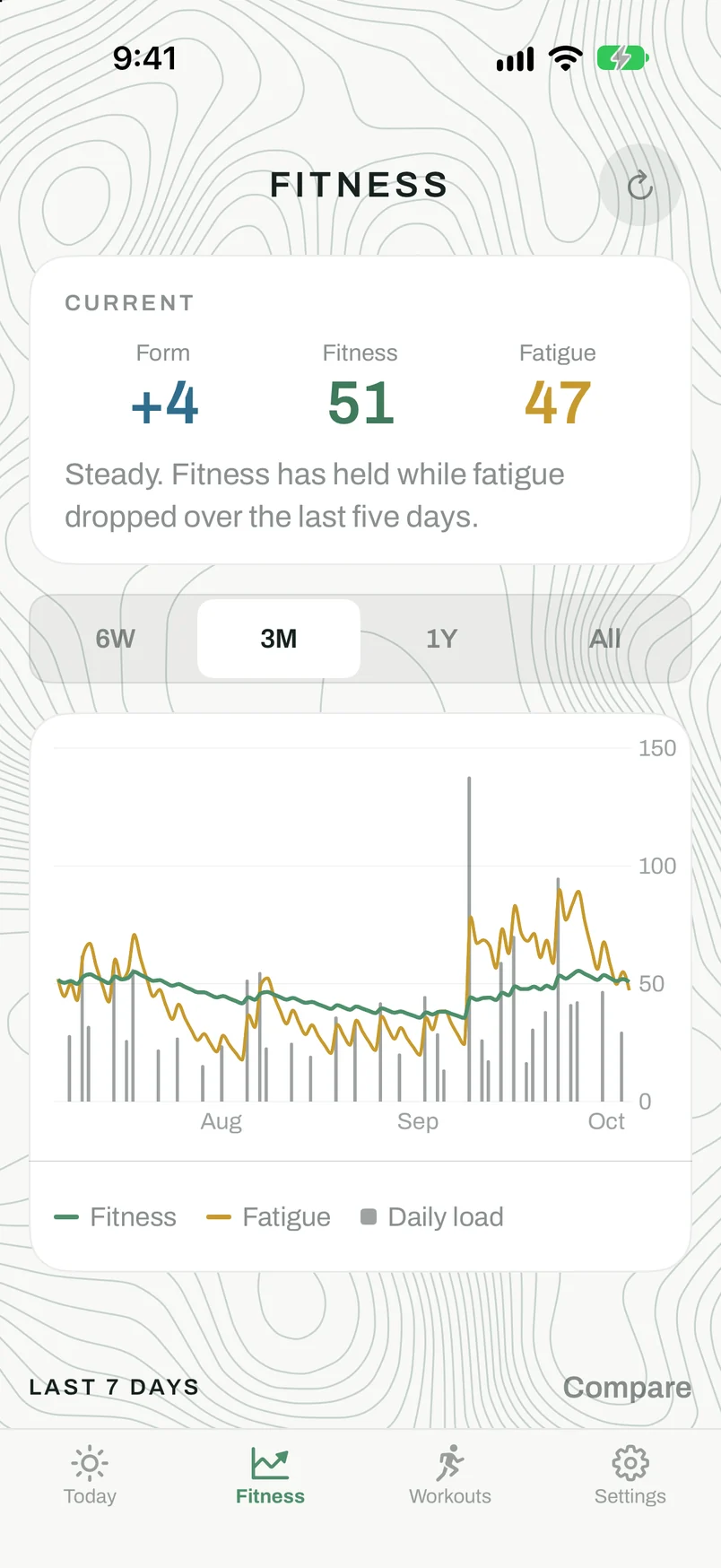
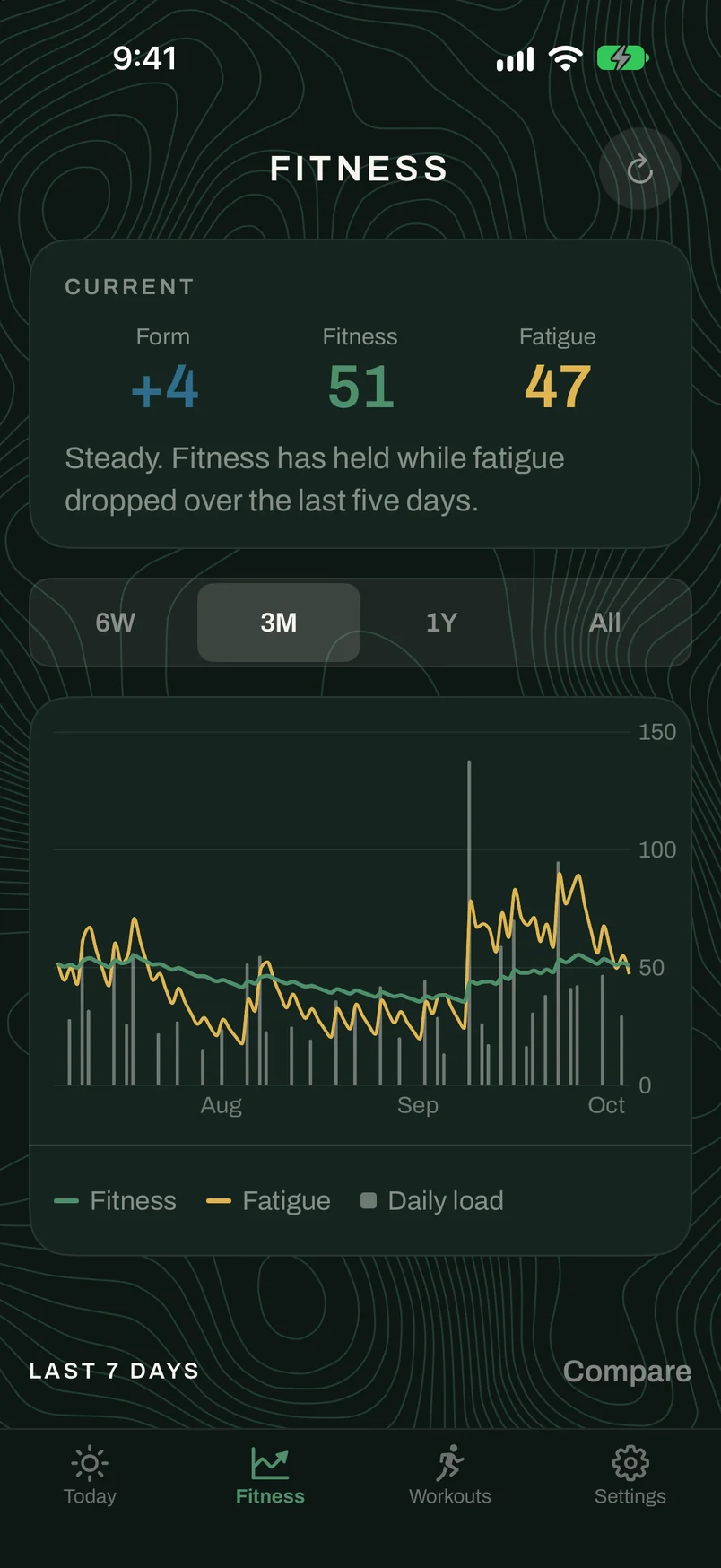
The Treeline Fitness screen: form +4, fitness 51, fatigue 47, a three-month chart of fitness, fatigue, and daily load, and a Last 7 days section. Generated sample data. The Treeline Fitness screen: form +4, fitness 51, fatigue 47, a three-month chart of fitness, fatigue, and daily load, and a Last 7 days section. Generated sample data.
The full list

Built to fit how you train.

Recovery scores
Readiness, sleep score, and stress, each compared with your own normal and shown over time.
Workouts
Search or filter your archive, with monthly totals. Open one for charts, an Apple Maps route, and your notes.
Rolling 7-day totals
Your last seven days, not a calendar week, so a hard workout never resets on Sunday. Compare with the week before.
Goals
A weekly goal in miles, workouts, time, or elevation, if you choose.
Sources and duplicates
Choose which sources count. Duplicate workouts are handled automatically, if possible. Otherwise, you decide what to keep.
Equipment
Track mileage for shoes, bikes, and other gear.
Heart rate zones
Five zones by default, or set your own.
Accessibility
Supports VoiceOver and larger text sizes.
Appearance
Choose what to show, what to hide, and the display order. Pick a dark or light theme or app icon.
Syncs through iCloud
Notes, goals, and most settings follow you across devices in your private iCloud account. This information can only be accessed on your devices. Nowhere else.
Works offline
Your data stays on your device. Only map tiles, time zone lookups, and iCloud sync need a connection.
iPhone and iPad
Runs on iPhone, iPad, and the brand-new iPhone Duo. Treeline takes advantage of larger screens to give the charts and maps more breathing room.
Privacy

Your health data stays with you.

Treeline was designed with privacy as a top priority. It reads your data from Apple Health and processes it on your device. I never receive it and cannot see it. Treeline never writes to Apple Health.

Treeline is built to serve you, not to collect your data for advertisers or data brokers.

No account No server No analytics No advertising No third-party code
Read the Privacy Policy
What you need

An iPhone or iPad, and workouts in Apple Health.

Device. iPhone or iPad running iOS or iPadOS 18 or later. Treeline is not available for Mac, Apple Watch, or Android.
Workouts. An Apple Watch will provide the most complete picture of your fitness, but any device or app that writes workouts to Apple Health works (refer to the FAQ for more information). Heart rate is needed for fitness, fatigue, and load.
Recovery scores. Readiness, sleep, and stress need overnight heart rate, heart rate variability, and sleep data, typically from an Apple Watch worn to bed.
Daily advice. Requires a device that supports Apple Intelligence.
Free and Pro

Free to download. Pro when you want more.

Your workouts and health tiles are free forever. Treeline Pro adds the Fitness screen, recovery scores, daily advice, and goals.

Treeline Free compared with Treeline Pro
FeatureFreeNo account neededProOptional subscription
Everyday tracking
Workouts, with charts, Apple Maps routes, and notesIncludedIncluded
Training load and effort ratings for each workoutIncludedIncluded
Today's workoutsIncludedIncluded
Health tiles on Today, such as sleep score and resting heart rate, with historyIncludedIncluded
Equipment, heart rate zones, sources, and appearance settingsIncludedIncluded
Training and recovery insights
Fitness screen: fitness, fatigue, form, and rolling 7-day totalsNot includedIncluded
Readiness and Stress scores, with historyNot includedIncluded
Daily advice noteNot includedIncluded
Goal card on TodayNot includedIncluded
New features added laterSomeAll
Cost
PriceFree forever$3.99per month$19.99per year

Treeline calculates everything for everyone, and Pro decides what is shown, so nothing is lost if you do not subscribe. New subscribers get a one-month free trial when eligible. Prices are in US dollars. Apple sets the price for your country, and you see it before you pay. More in the FAQ.

About

Built by a trail runner who wanted more.

I am an avid trail runner and endurance athlete. I love spending my free time outdoors. The more remote and rugged, the better.

I have used nearly all of the health tracking apps on the App Store. None of them had all of the features and data summaries I wanted, so I decided to make my own.

My goal is to make Treeline your favorite health and fitness app. To do that, I use it every day and review every detail.

I care deeply about privacy, so Treeline is designed around that principle. I want every user to feel included and respected. There will never be ads in Treeline. Ever.

Questions or something not working right? Write to support@treelinefitnessapp.com. Ideas for making Treeline better? I would like to hear them at feedback@treelinefitnessapp.com.

Treeline app icon Treeline app icon

Treeline for iPhone and iPad

Coming soon to the App Store